Canvas
Locations
Registry of physical spaces where events take place
What is it?
A location represents a real physical place: a stadium, a theater, a restaurant, an event hall. It is the centralized registry of all venues where events operate. Each location can have one or more canvases (maps) that visually describe how that space is laid out.
Location fields
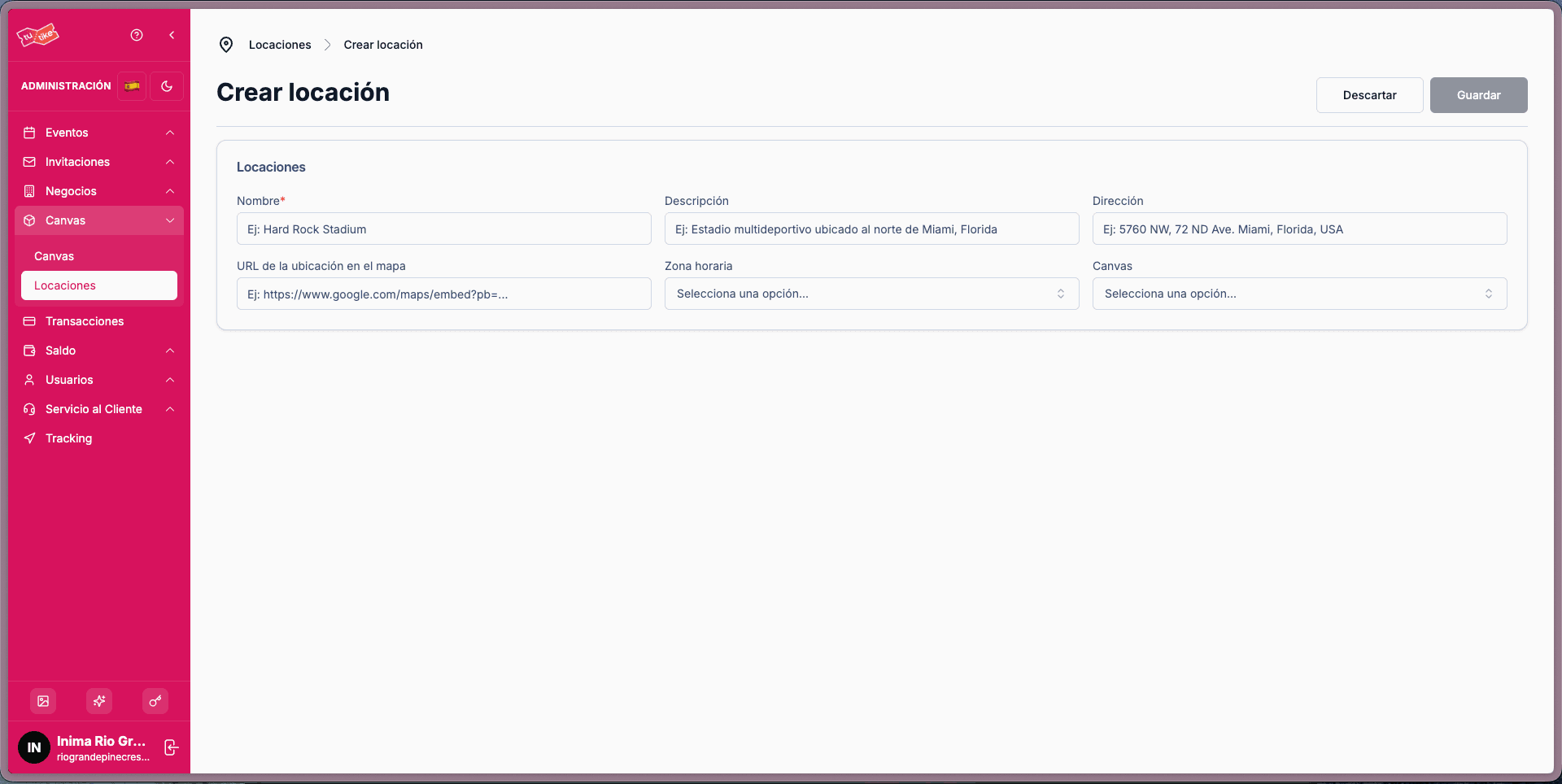
| Field | Description |
|---|---|
| Name | Name of the location (shown to the user) |
| Description | Internal reference for administrative use (not displayed anywhere) |
| Address | Physical address of the location (shown to the user) |
| Map URL | The source that Google Maps provides within the embedded iframe. Allows event detail pages to display the event location on the map. |
| Timezone | Shows the user the event time in the location's timezone, regardless of where they are viewing the event from. |
| Associated canvas | The canvases associated with this location. |
Locations listing
On the locations listing page you will find a general table with the details of each location:
- Name
- Description
- Address
- Associated canvases
Available controls
From the listing you can:
- View details: access the full location information
- Edit: modify the location data
- Delete: remove the location (cannot be deleted if it is being used in an event)
Filters and search
- Search: by location name or address
- Create new: button to register a new location