Events Module
Overview of the events module in TuTike
The Events module is the core of TuTike. It manages the complete lifecycle of an event: from creation as a draft through publication, ticket sales, and completion.
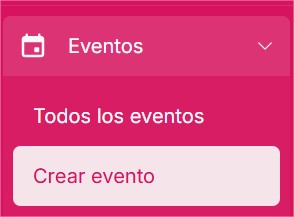
Sections in this documentation
Introduction to events
What an event is, its types, and the statuses it can have
Create an event
Available fields and settings when creating an event
Edit an event
What you can modify, when, and what restrictions apply
Event details
Complete management of event information and reservations
Entries
Reservation management and door access control
Edit entries
Advanced reservation management
Confirm entries
Access control and QR scanning
Down payments
Partial payments at booking and how they are managed
Prices
Reusable pricing system for Canvas-type events
Waitlist
Manage the list of interested customers when an event is sold out
Promotions & Discounts
How to link a discount promotion to an event
Reviews
Management of ratings and comments from event attendees
Terms & Cancellation Policy
Event T&C, required card, and cancellation policy
Visual Tags
Visual labels to categorize your events on the platform